 NAS Sync
 NAS Mount
Shares that stay mounted
Shares from one NAS or several, and folders inside them, mount after you log in and come back on their own after sleep or a network change. No "problem connecting" dialogs, ever.
How it works →For Macs with a NAS, or just a USB drive
NAS Sync keeps your NAS shares mounted, keeps your Obsidian vault the same on Mac, iPhone, iPad and Windows, backs up any folder or cloud drive to the NAS or a USB drive, and stops your cloud drives from filling up. It runs quietly in the background and only speaks up when something needs you.
14 days free, no card needed macOS 13 or later, Apple silicon and Intel Signed and notarized by Apple
Four parts, use any of them
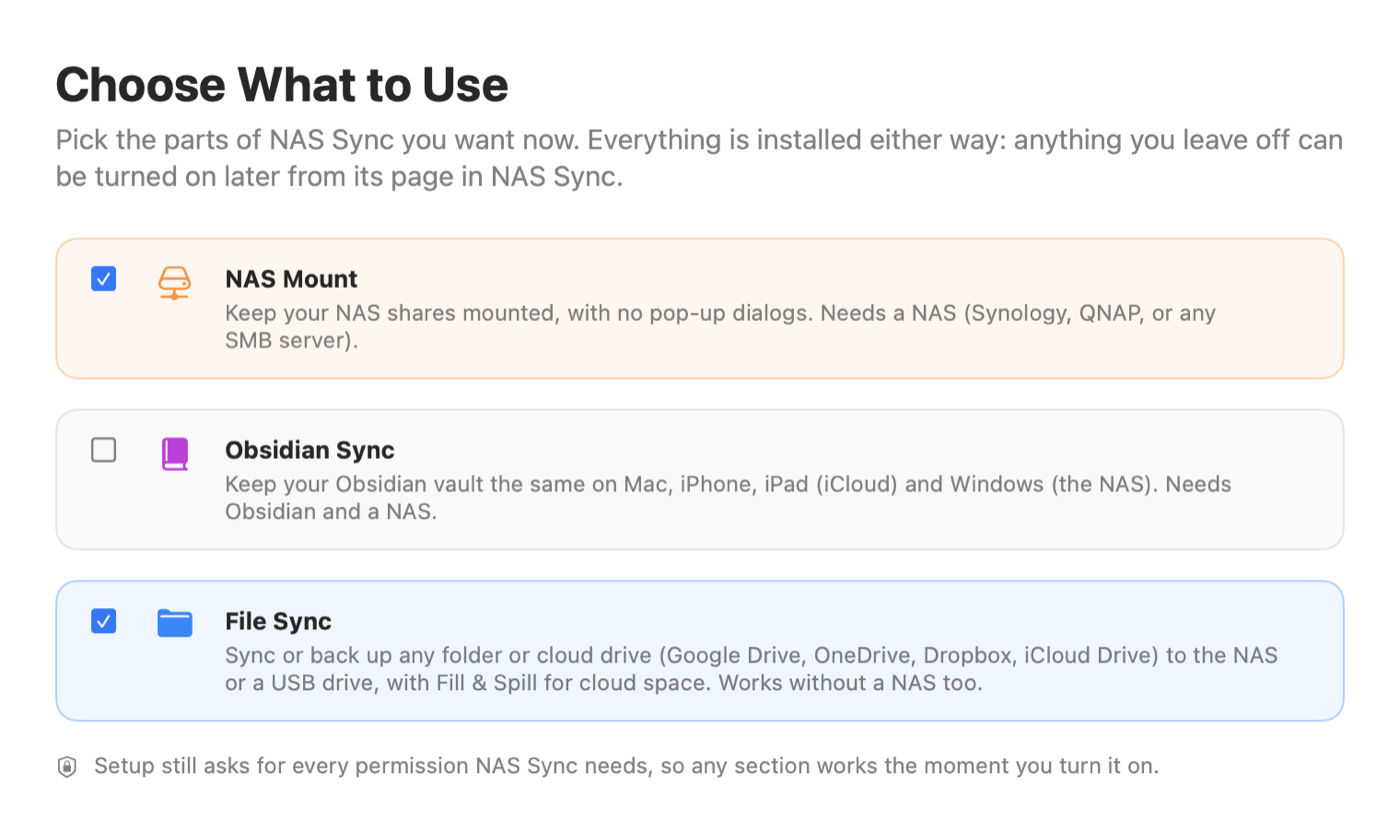
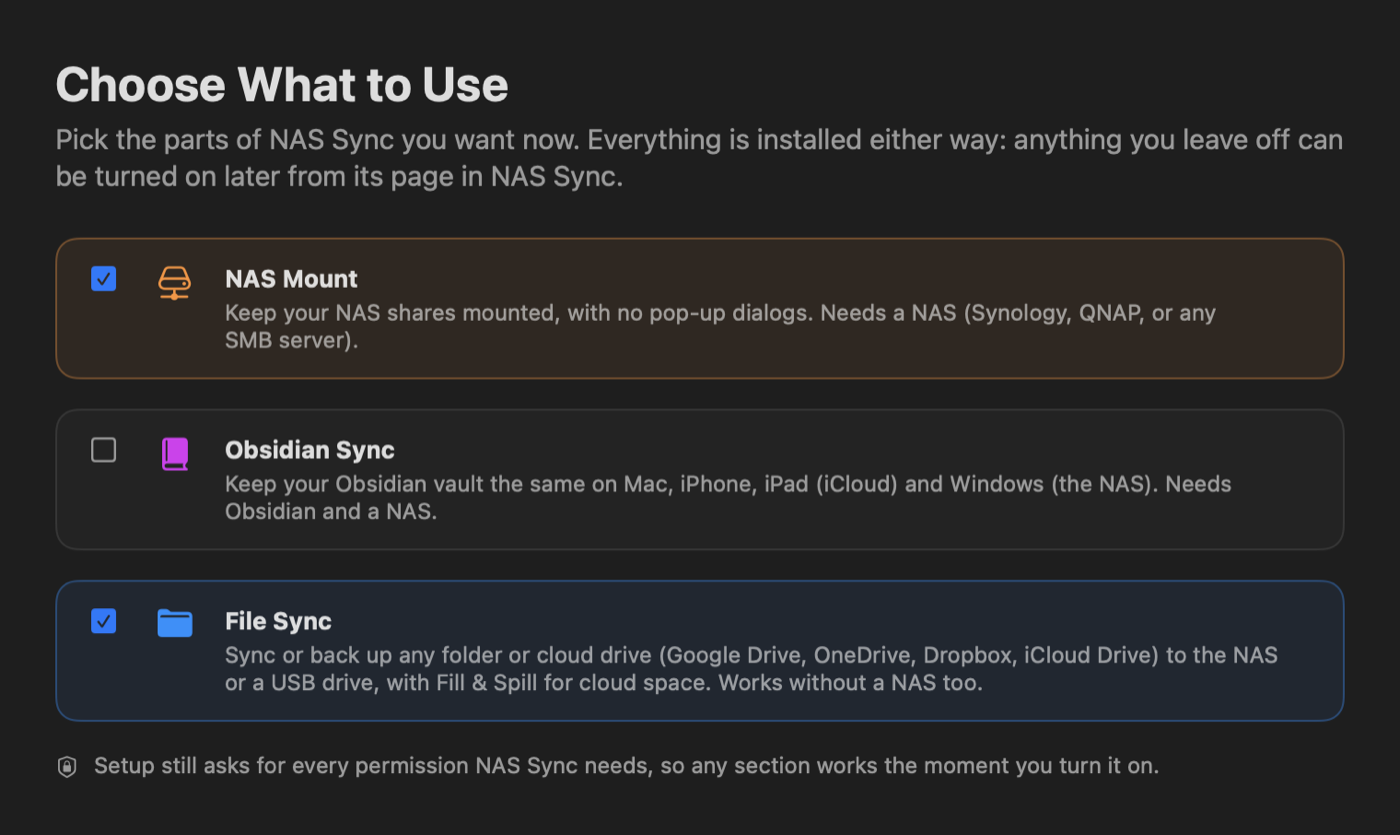
Pick what you need when you install. No Obsidian? Leave it off. No NAS at all? File Sync still backs up to a USB or internal drive. Anything you leave off can be turned on later.
NAS Mount
Shares from one NAS or several, and folders inside them, mount after you log in and come back on their own after sleep or a network change. No "problem connecting" dialogs, ever.
How it works → File Sync
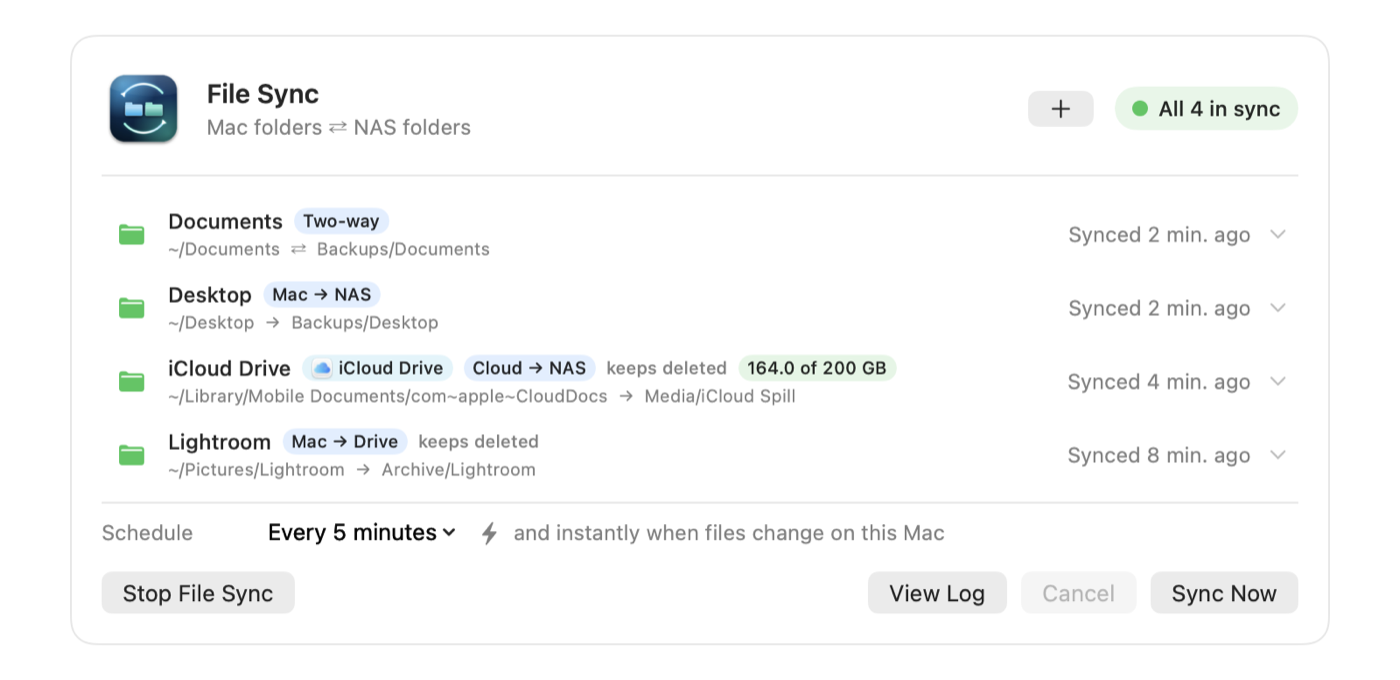
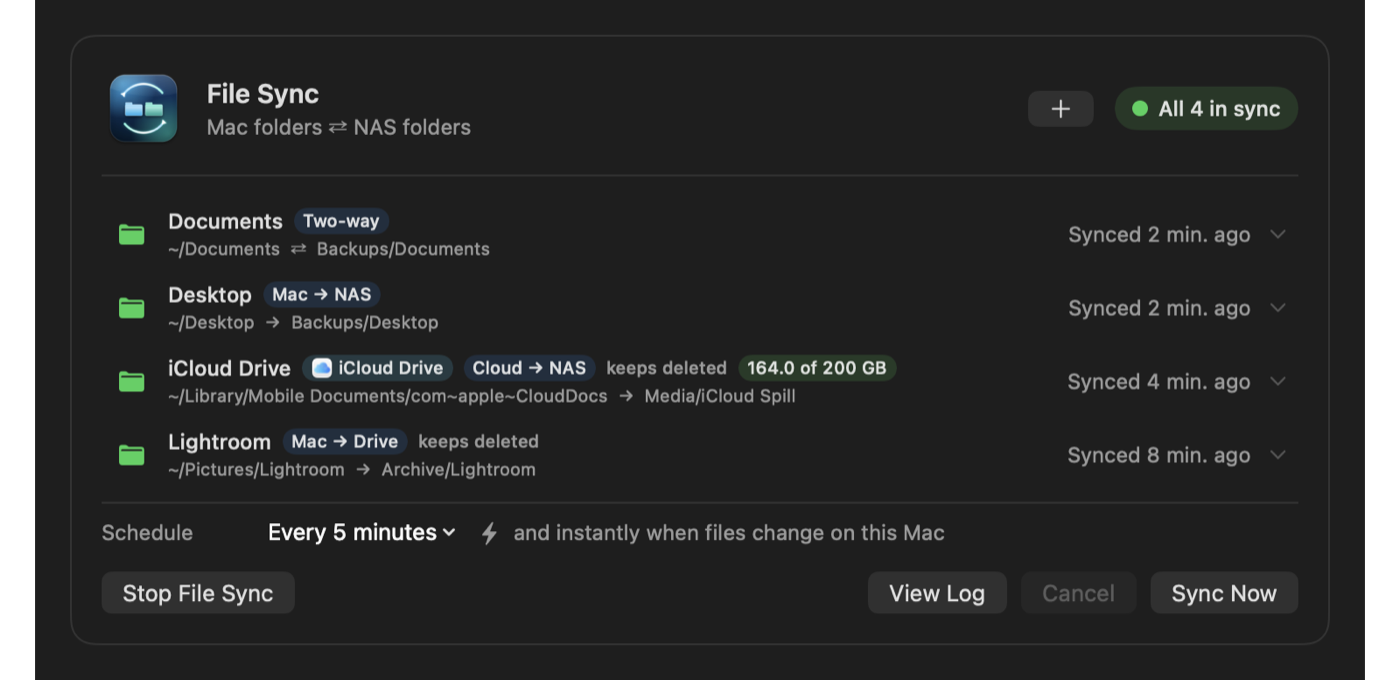
Pair any Mac folder with the NAS or a USB drive, two-way or one-way. Back up Google Drive, OneDrive, Dropbox or iCloud Drive in one click.
How it works →Set your plan size. When iCloud Drive, Google Drive, OneDrive or Dropbox fills up, the oldest files move to your NAS so new ones always fit.
How it works → Obsidian Sync
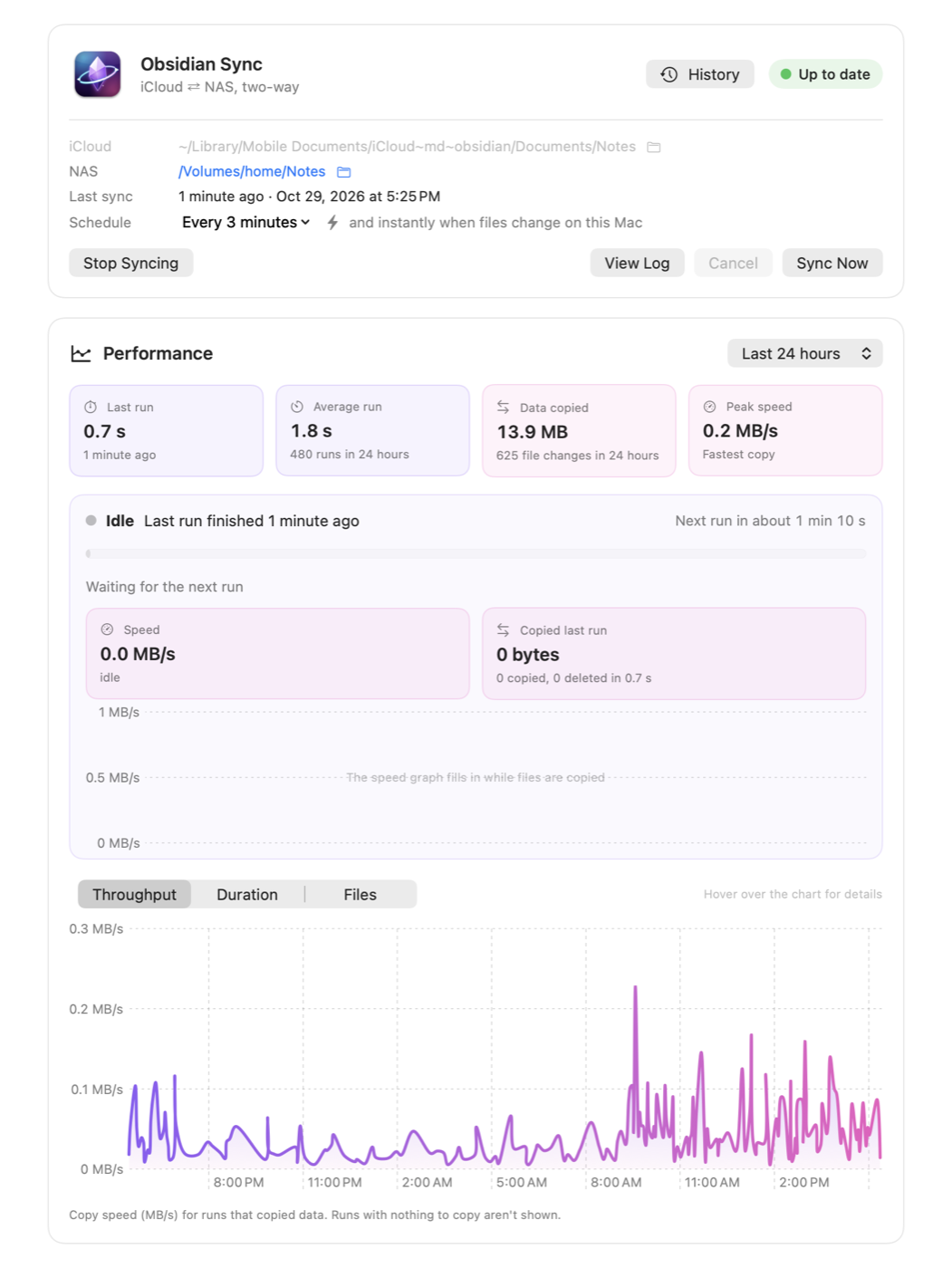
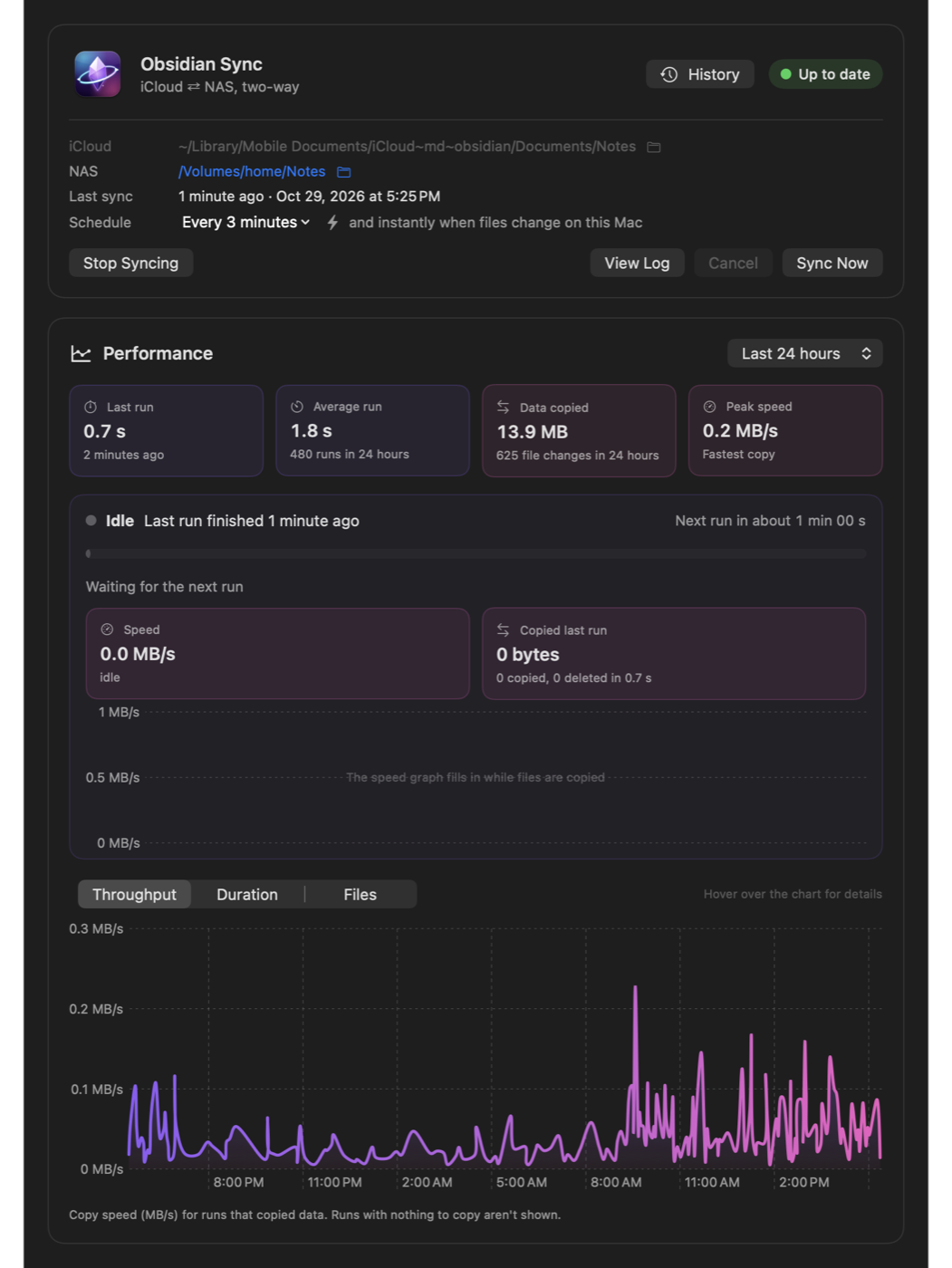
Your vault in iCloud for Mac, iPhone and iPad, mirrored to the NAS for Windows. Edits sync seconds after you save, with no Obsidian Sync subscription.
How it works →NAS Mount
macOS forgets network shares after a restart, a sleep or a Wi-Fi change, then shows a dialog when you least want it. NAS Sync checks your shares on a schedule and quietly mounts whatever is missing.
home/Work/Projects, picked in Finder, instead of the whole share.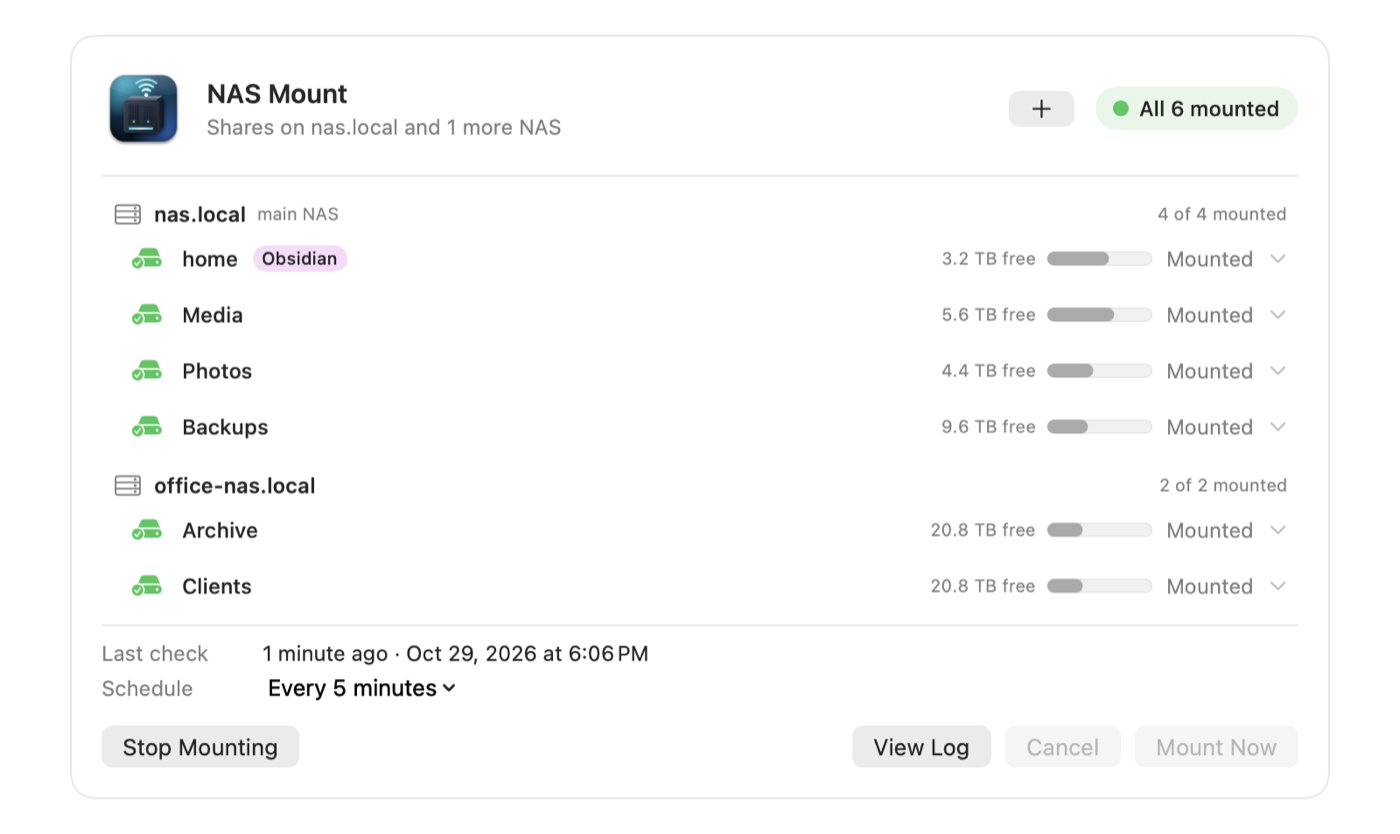
File Sync
Pair a Mac folder with a folder on the NAS or on any drive attached to your Mac. Choose two-way, or one-way in either direction, and decide whether deletions carry over.
Obsidian Sync
iPhone and iPad can only open Obsidian vaults stored in iCloud. Windows can't read iCloud well. NAS Sync keeps the iCloud vault and a folder on your NAS identical, so every device opens the same notes.
Included: the NAS Sync Status plugin for Obsidian
The status bar shows when your vault last synced, or a pause, a failure or conflicts the moment they happen. Click it to open NAS Sync. Install it with one click from NAS Sync → Settings → Obsidian. It travels with your vault but only runs on the Mac.
Fill & Spill · only in NAS Sync
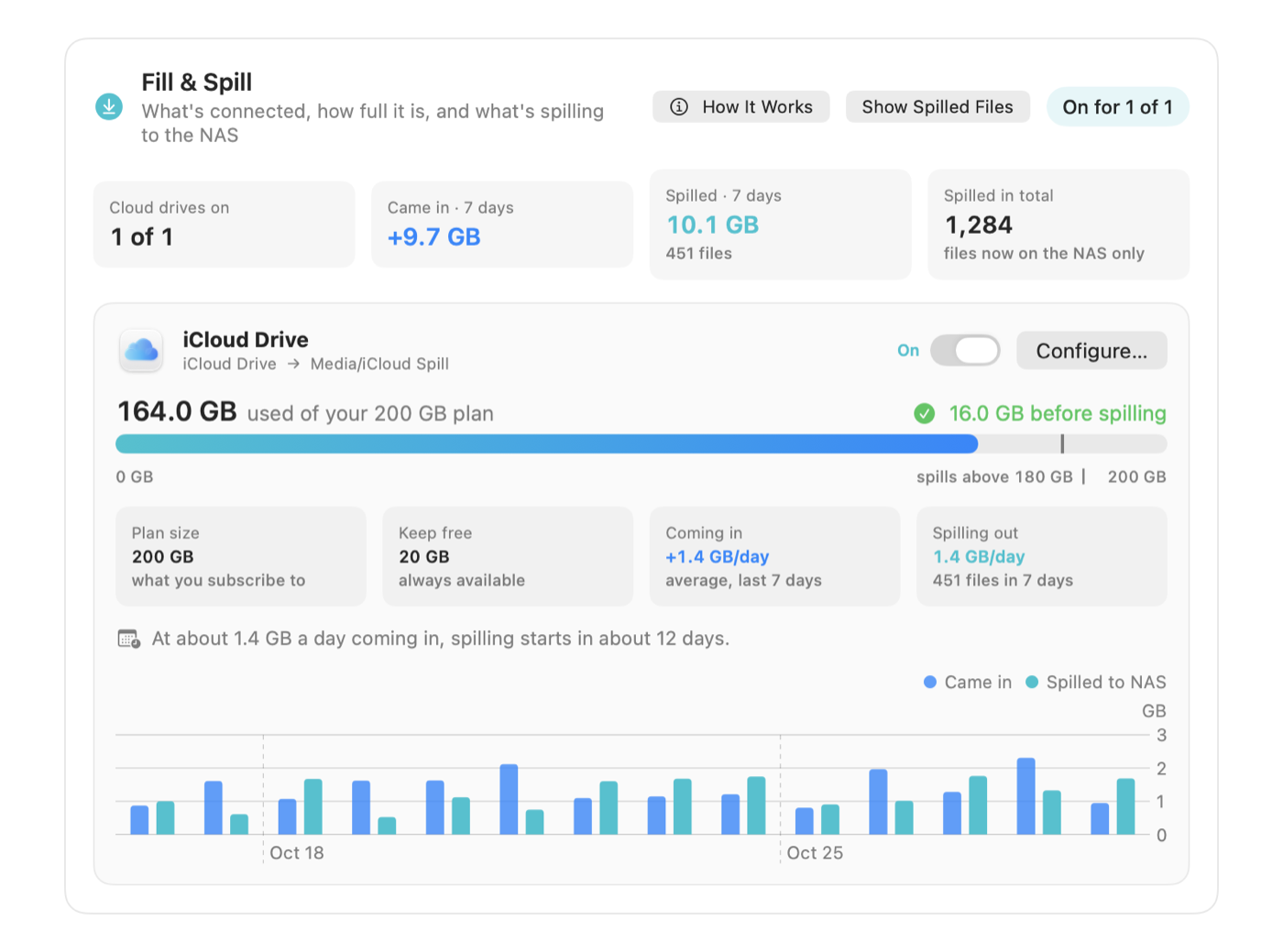
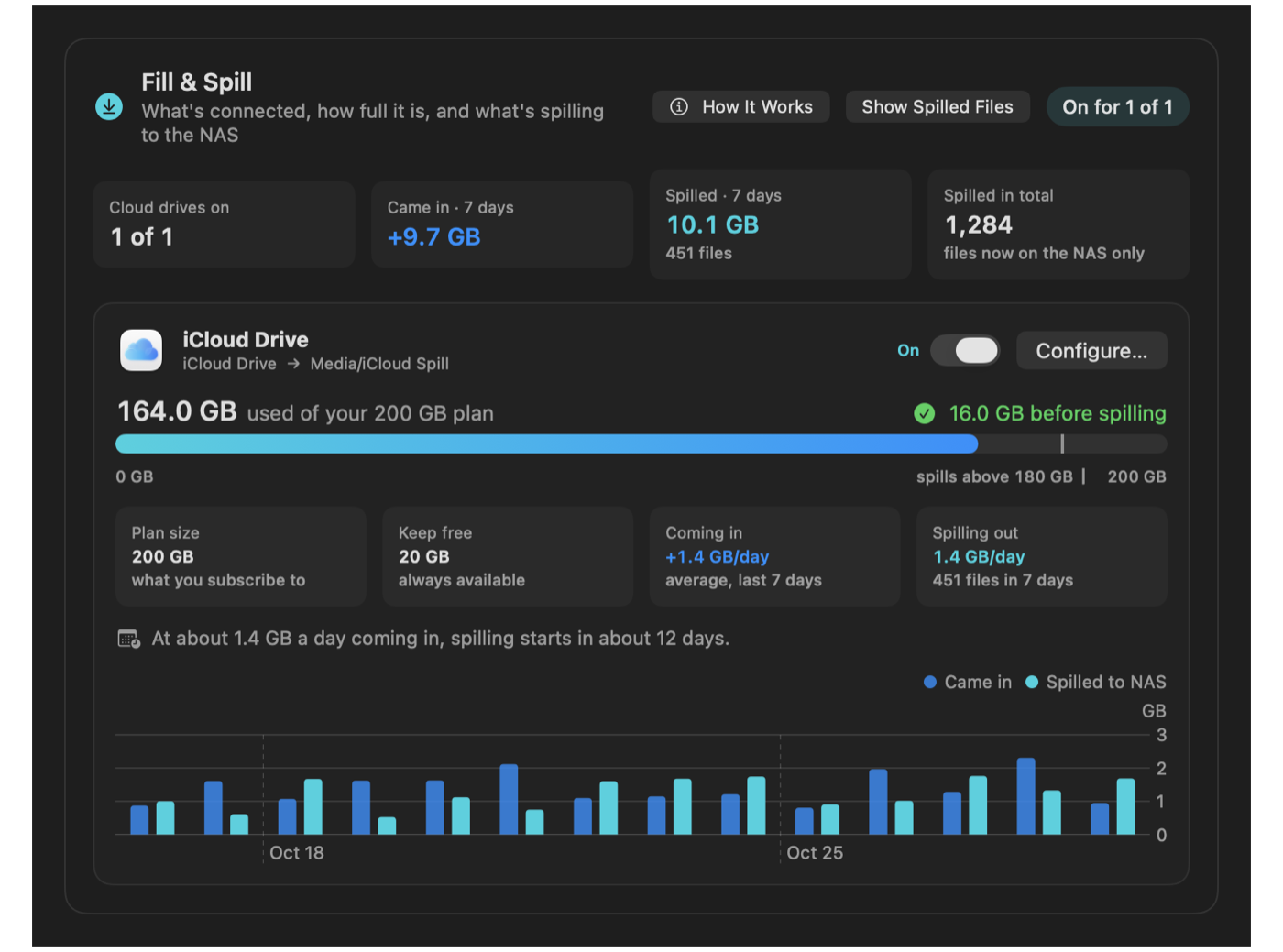
Tell NAS Sync your cloud plan size and how much to keep free. When the drive fills up, its oldest files spill over to your NAS, or to a drive on your Mac, so new files always have room. Everything spilled is listed, and nothing is deleted.
Desktop widgets
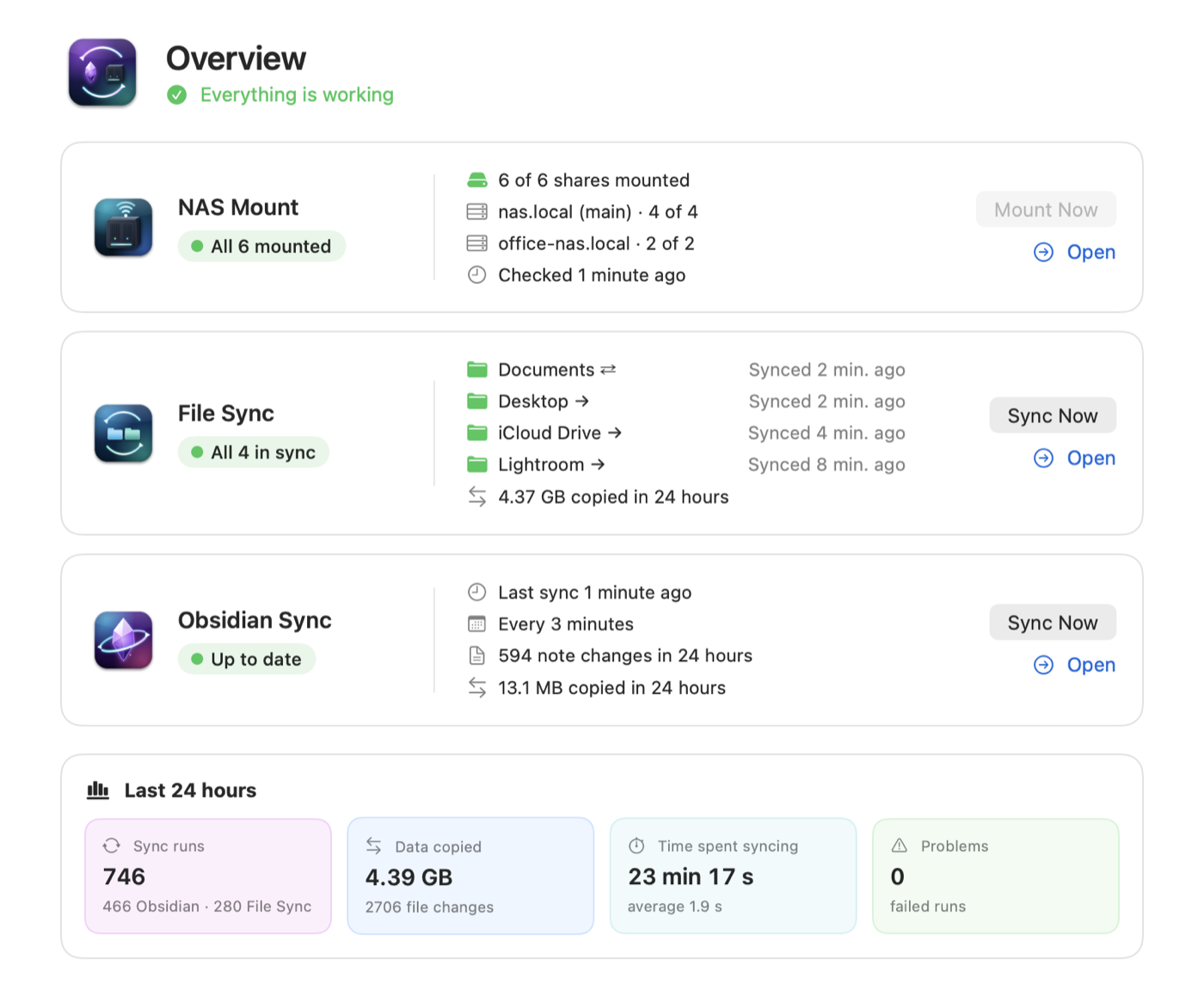
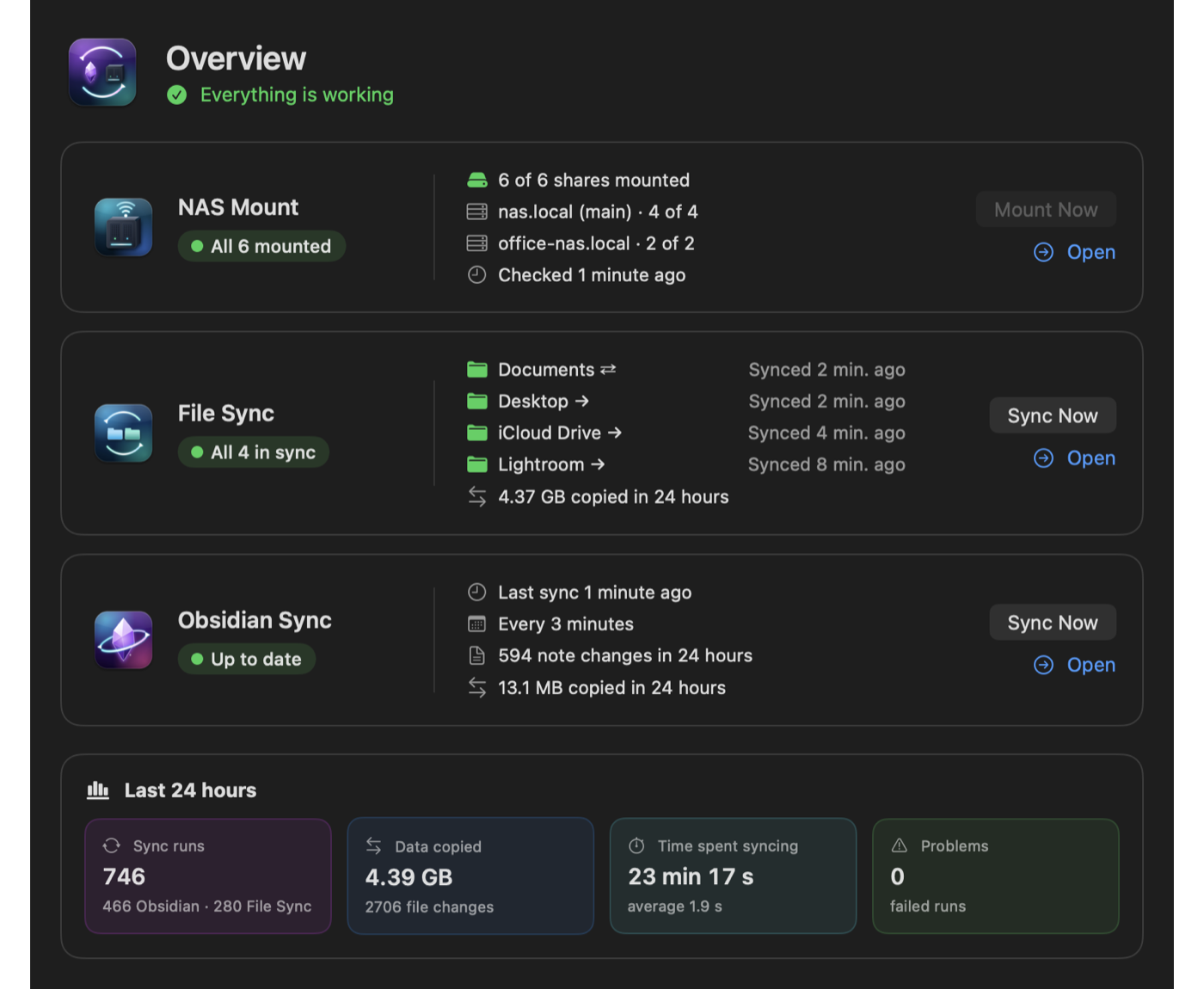
Three sizes. The small one tells you if all is well, the medium one shows each part with when it last ran, and the large one adds your Fill & Spill drives. Click a row to open that page, or Sync Now to run everything.
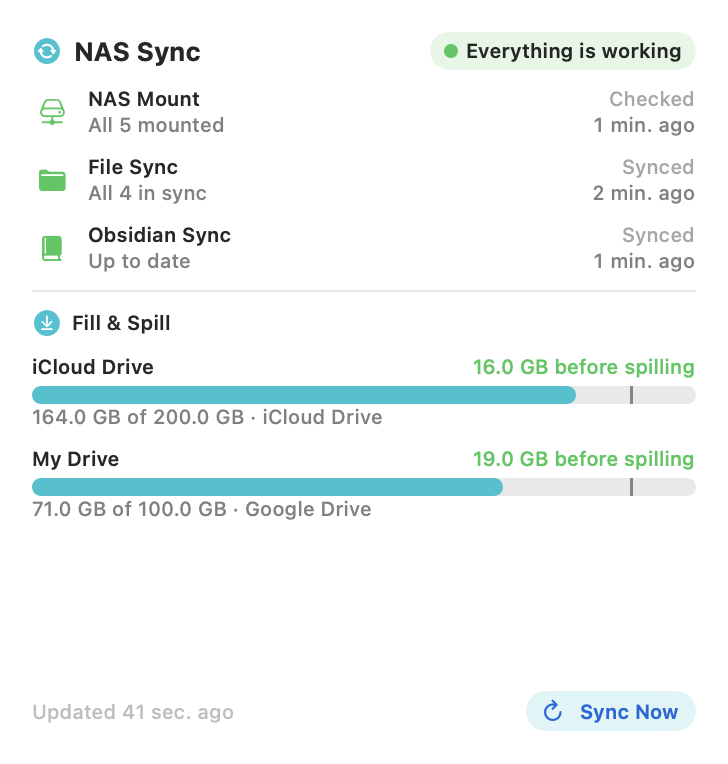
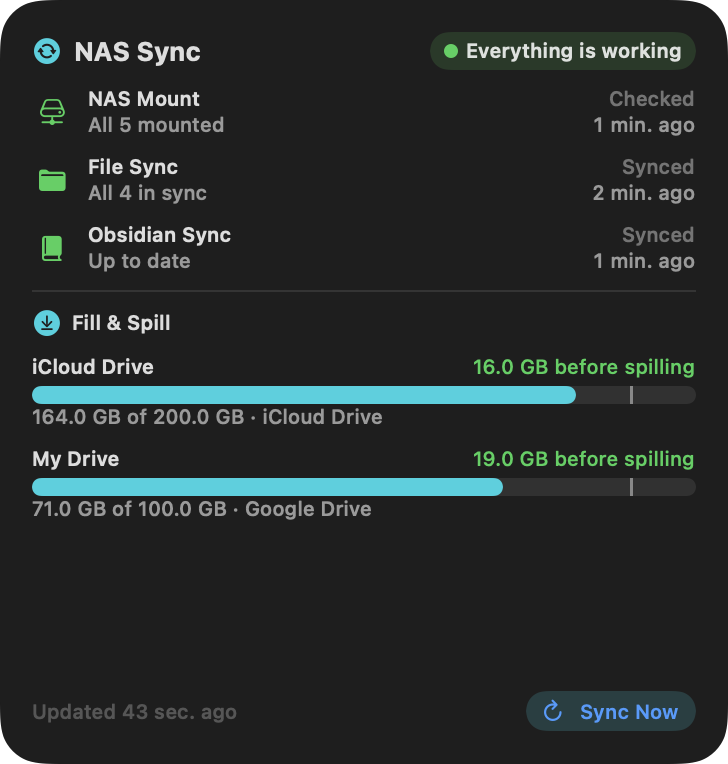
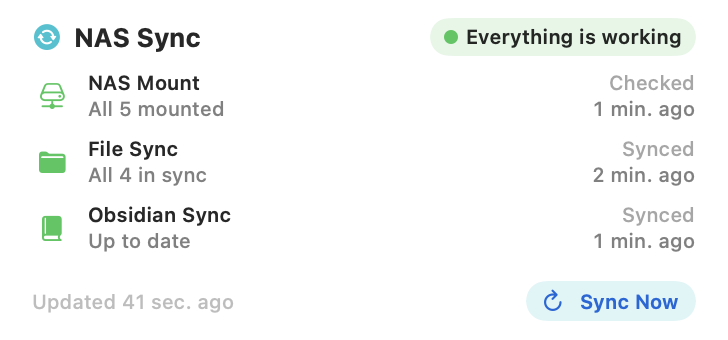
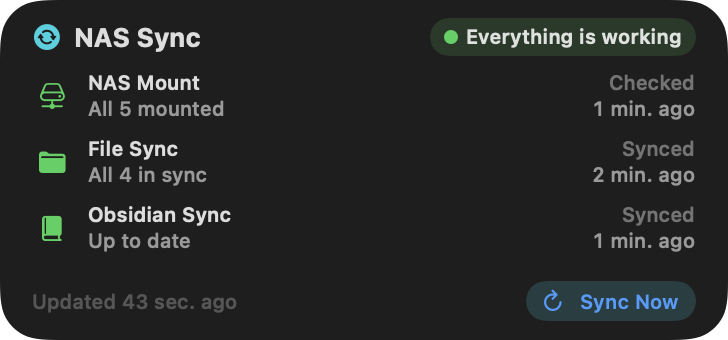
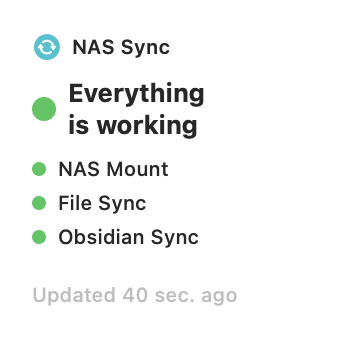
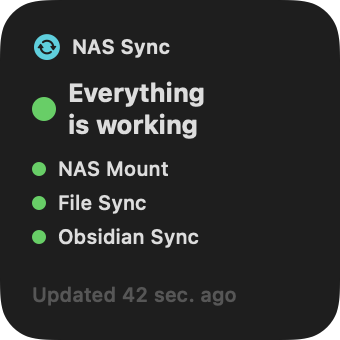
Add them from the desktop: right-click → Edit Widgets → NAS Sync. They follow your Mac's light or dark setting.
Built to be trusted with your files
A sync pauses if an unusual number of files would change, or if file names look like ransomware, and asks you first.
Overwritten and deleted files are kept for 30 days. Restore one, restore it as a dated copy, or merge text files line by line.
A notification when a share goes missing or a sync fails, and one when it's fixed. Optional email and iMessage alerts, with quiet hours.
Add shares from as many NAS boxes as you like, at home, at the office or a backup box. Each one is checked, mounted and reported on its own.
Throughput, run time and files per run for every sync over 24 hours, 7 or 30 days, with details on hover.
When a file changed in two places, see both versions side by side, then keep the current one, the conflict copy, or both. The one you don't keep goes to the Trash.
Sync Now, Mount Now and every page have nassync:// links, so Shortcuts, Raycast or a script can run them.
Open any share or folder, Sync Now and Mount Now from the menu bar. Closing the window keeps it running there.
No account, no analytics, no tracking. Your files only travel between your Mac, your NAS and the drives you chose.
Setup
NAS Sync Setup walks you through it: choose what to use, sign in to your NAS, pick your shares and folders, and allow the permissions macOS asks for. It checks each step before moving on, then runs a real background test so you know it works.
Pricing
Try everything free for 14 days. If NAS Sync earns its place, buy one license and keep it. No subscription, no account.
All sales are final, so try every feature free for 14 days first. Your license key arrives by email right away.
Questions
Any NAS or server that shares folders over SMB, which is nearly all of them: Synology, QNAP, TrueNAS, Unraid, Asustor, a Windows PC or a Mac sharing folders.
Yes, as many as you have. Pick one as your main NAS, then add shares from the others with + → Another NAS on the NAS Mount page. Each NAS signs in with its own account, and its shares are grouped under its name.
No. File Sync works with any drive attached to your Mac, such as a USB, Thunderbolt or second internal drive. NAS Mount and Obsidian Sync need a NAS.
No. Leave Obsidian Sync off during setup. You can turn it on later.
Mounting and syncing pause until you enter a license key. Nothing is deleted, and the app still opens. Enter a key and everything picks up where it left off.
NAS Sync Status puts your vault's sync status in Obsidian's status bar ("NAS ✓ 2 min ago", or a warning if a sync paused, failed or found conflicts) and adds four commands: Sync now, Resolve conflicts, Version history and Open NAS Sync. It's included, and NAS Sync installs it into your vault for you.
Yes. Your license covers all of your own Macs. To free up a Mac, open NAS Sync → Settings → License → Deactivate This Mac. Uninstalling does this too.
No. Files only move between your Mac, your NAS and the drives you chose. NAS Sync contacts the internet only to activate and check your license, and to send email alerts through your own mail account if you turn them on. See the privacy policy.
The background helper, NAS Sync Agent, needs it to read iCloud Drive and your synced folders while the app is closed. Setup shows you exactly where to turn it on, and only NAS Sync Agent needs it.
No. Apple's App Store rules don't allow apps to mount network shares in the background or reach folders the way NAS Sync needs. It's signed with a Developer ID and notarized by Apple, so macOS opens it without warnings.